Click to download now, finish the installation quickly, and directly unlock the all-round experience
Screenshots
Click to download now, finish the installation quickly, and directly unlock the all-round experience
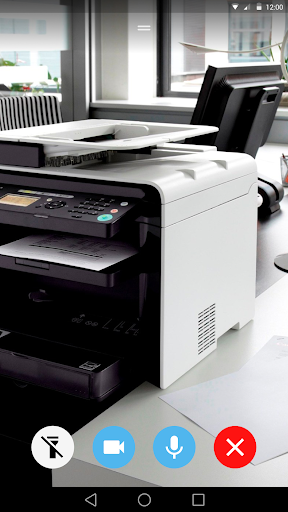
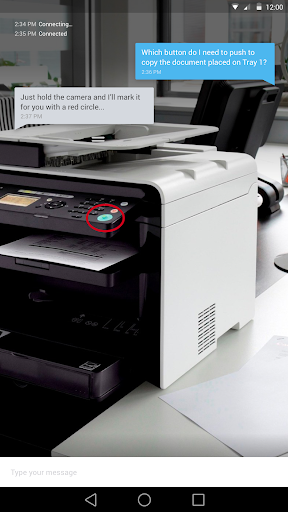
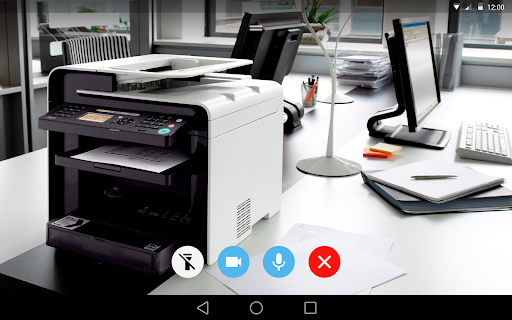
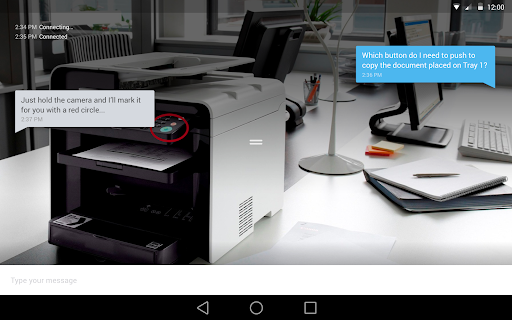
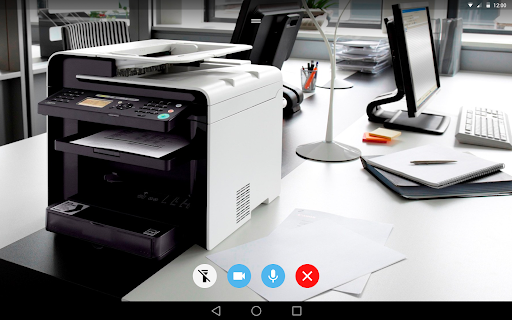
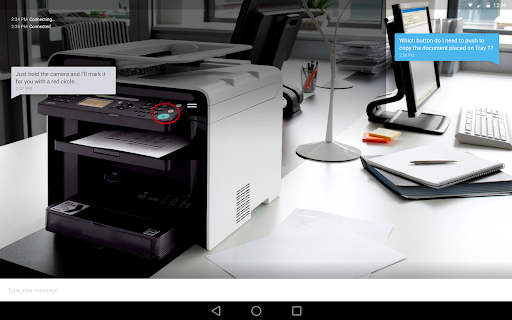
LogMeIn Rescue Lens lets you share a live view from your Android device’s camera with a support agent who is using Rescue Lens. Rather than describing a visible fault, you can point the camera at it while the agent gives you guidance. The app also supports audio during the session.
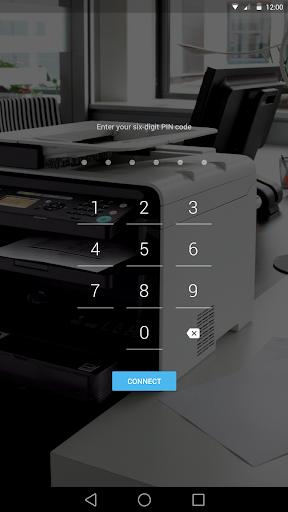
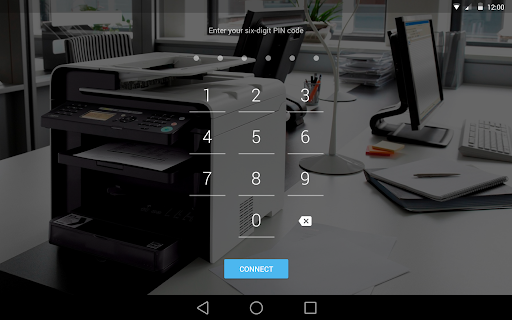
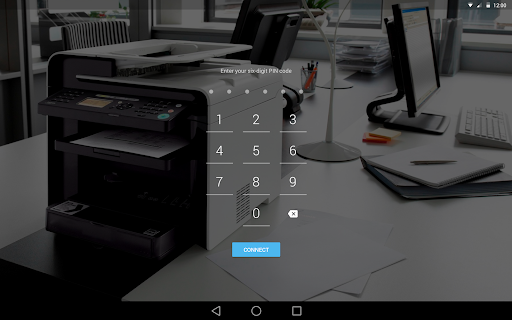
This is not a general-purpose video calling or remote-support app. You need to be receiving help from an agent using LogMeIn Rescue Lens. The agent gives you a six-digit PIN to enter in the app; then you can show them the issue through your camera. Without that support session, the app has little use on its own.
The agent can see what you choose to show through the camera, so you can frame the view around the item or problem being discussed. Use it only when you trust the person providing support. It is a way to show and discuss an issue, not evidence that the agent can control your phone or fix the problem remotely.
Rescue Lens is most useful when a support conversation would be clearer with a live view—for example, when explaining something you can point a camera at. If the issue is not visual, or no agent has asked you to join a Rescue Lens session, it may not add much.
GoTo Group, Inc. is the developer. The app has a 3.6 out of 5 rating from 522 ratings and 500,000+ installs.