
Big Font (change font size)
AZSoft Technology Inc.
Downloads
5,000,000+
Source
Google Play
Click to download now, finish the installation quickly, and directly unlock the all-round experience
Screenshots
Click to download now, finish the installation quickly, and directly unlock the all-round experience
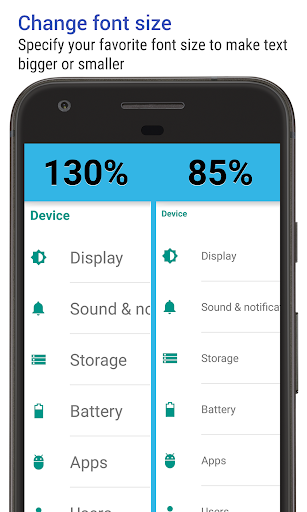
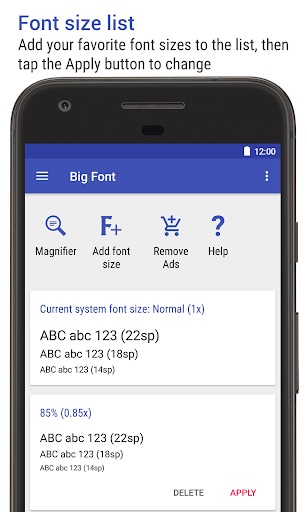
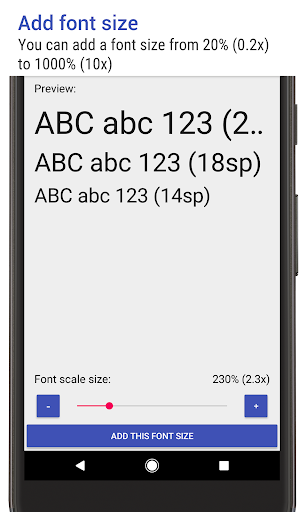
Big Font changes the system text size, giving you a way to make text larger or smaller than your usual Android setting. It suits people who find menus and other on-screen text hard to read, as well as anyone who prefers more text to fit on screen. You can preview a size before applying it and choose a scaling value rather than relying only on preset steps.
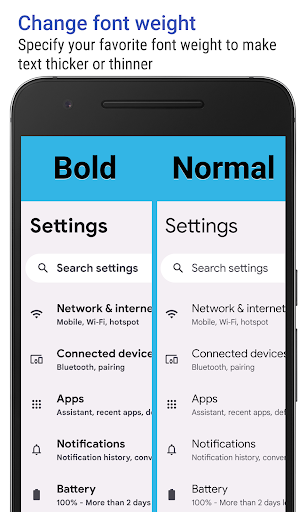
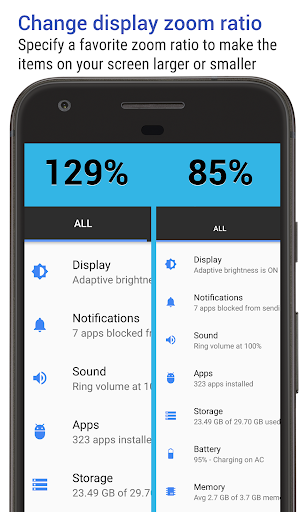
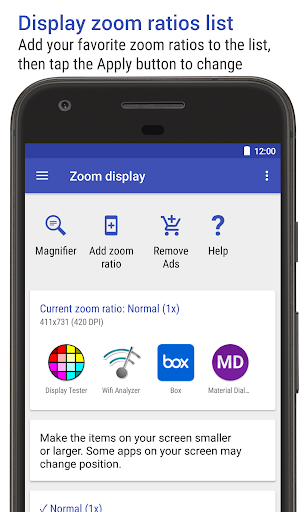
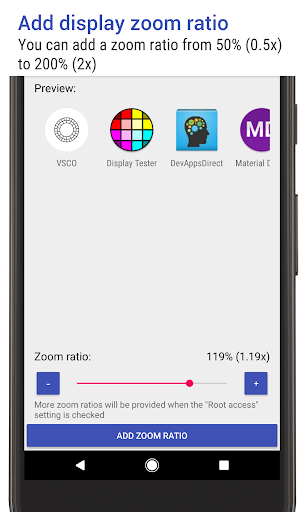
The app offers font scaling from 25% to 500%, though the higher range and some customisation are reserved for the paid Pro license. On Android 7.0 and later, it can also change display zoom. On Android 12.0 and later, it can adjust font weight, making system text bolder or thinner.
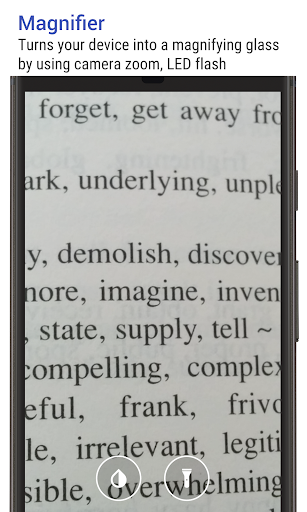
A notification can show the current size and let you switch font sizes with a tap; you can hide the notification if you do not want it. There is also a camera magnifier function, which uses camera zoom, autofocus and the LED flash. That is a separate tool from changing text size, and requires camera access.
The Pro license removes limits on scaling values, display zoom values and font-weight values, and enables font sizes of 251% or more. The free option therefore may not suit someone who needs very large text or wants unrestricted control over those settings. The app also needs permission to change system settings to apply font changes.
Big Font is a focused accessibility and display tool from AZSoft Technology Inc. Its 4.24 rating across 21,815 reviews and 5,000,000+ installs suggest broad use, but the practical value is straightforward: adjustable system text, with extra controls depending on Android version and whether you have Pro.